What's new in Prototype 15.1
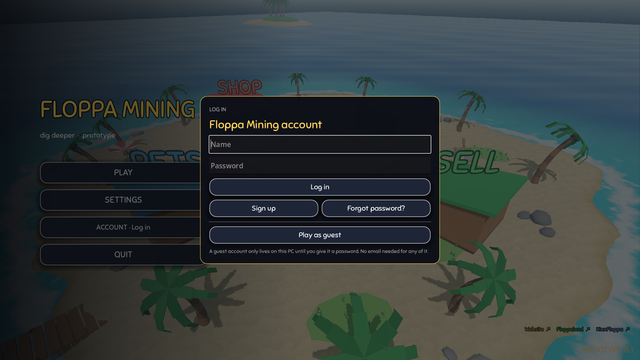
- Log in with your name and password, on any PC. When the game starts and this PC has no login yet, you can log in, sign up or play as a guest
- Sign up right in the game or on floppamining.com/account/. No email needed
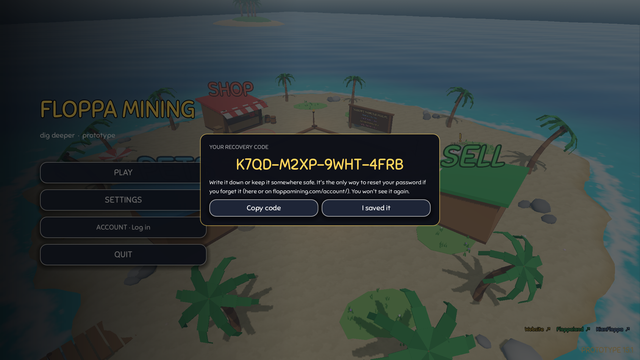
- When you sign up, you get a recovery code. Write it down: it's the only way to reset your password if you forget it, in the game or on the website
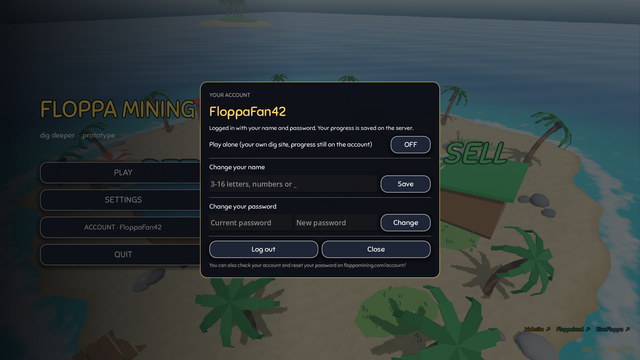
- Already playing as a guest? Open the Account window in the main menu and give your account a password. Your progress stays
- Log out, change your name or change your password in the Account window. Changing or resetting your password logs out your other devices
- New page: floppamining.com/account/. Log in to see your coins, gems, islands, tool, pets and more, change your name or password, or reset your password with your recovery code
- Passwords are never stored, only a salted hash, and wrong guesses are limited. More on floppamining.com/anticheat/
- Fixed: the Account window opened in the top-left corner without darkening the menu. It's in the middle now
- The menu shows the new version: Prototype 15.1
Screenshots